Help
1. Signing in for the first time
Your Bargain Chemist Phototicket account has already been created but no password has been set. To start the process of setting your password, browse to https://bargainchemist.phototicket.com and click on the Reset Password link.

Enter the email address for your branch then click the Reset Password button.
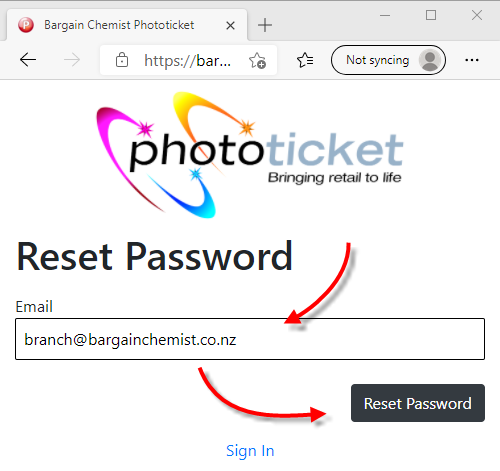
An email with reset password completion instructions will be emailed to the email address for your branch.

Check your inbox for an email from Phototicket Support with the subject Bargain Chemist Phototicket Password. Click on the link in this email to set your password.

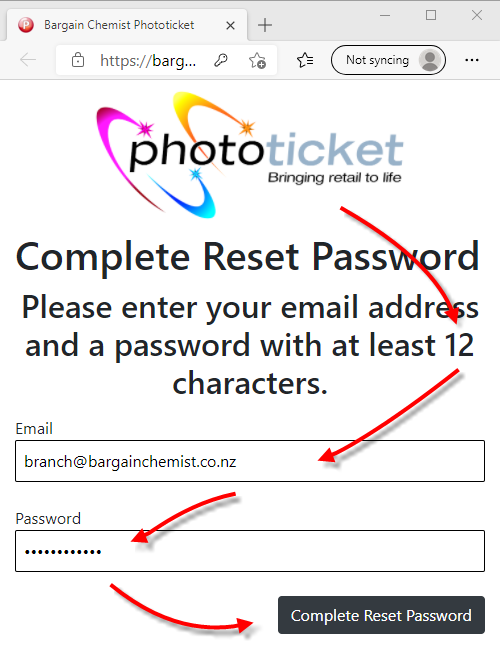
You will need to enter the email address for your branch along with a password with at lease 12 characters, then click the Complete Reset Password button.
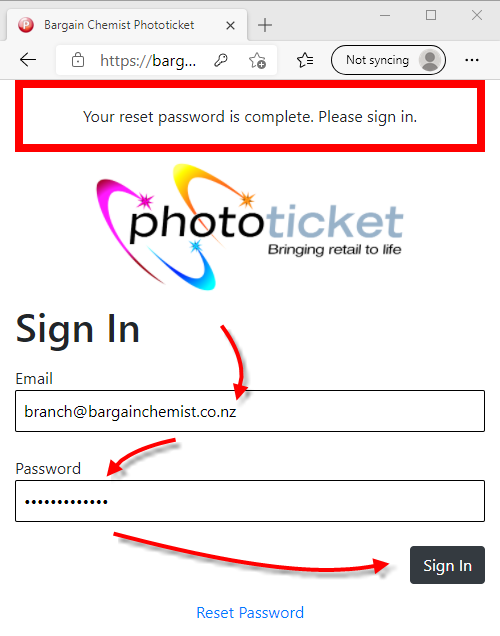
Once you password has been set, you can sign by entering the email address for your branch and your password, then clicking the Sign In button.